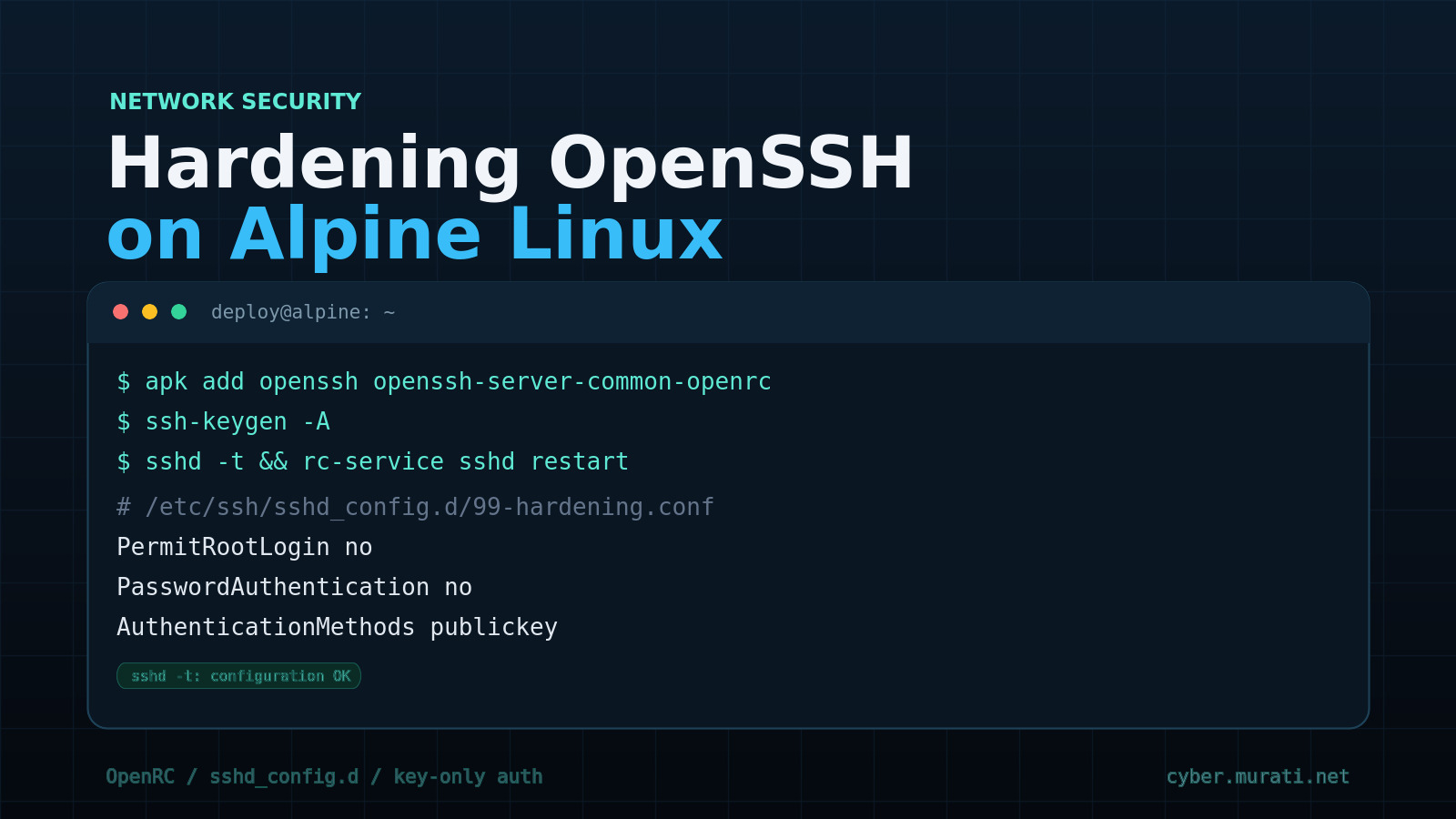
Alpine Linux is the default base image for routers, VPN appliances, CI runners and a large share of container workloads, mostly because a working system fits in a few megabytes. That minimalism extends to SSH: Alpine inherits upstream OpenSSH defaults, adds a few hardening choices of its own, and leaves the rest of the decision to you. The result behaves slightly differently from a Debian or Ubuntu host in ways that matter when you are standing up a box or triaging one.
Everything below was executed against Alpine 3.24.3 with OpenSSH 10.3p1 (package build 10.3_p1-r2), both on an OpenRC system and inside a bare container. Where a step only applies to one of those environments, it is marked.
Patch first, November 5, 2026: a critical sshd authentication bypass affects non-PAM OpenSSH on musl when
PasswordAuthenticationisyesand an account has*in its shadow password field. Updateopenssh, restart sshd, and read the advisory write-up before working through this guide. The drop-in below disables password authentication, which is also the documented mitigation, but a patched daemon is still required.
What apk add openssh actually installs
The openssh package is a metapackage. It pulls in openssh-client, openssh-server and openssh-sftp-server, plus the ssh-keygen tooling used later.
On a stock Alpine installation, the OpenRC service definition arrives through the openssh-server-common-openrc subpackage, installed automatically because OpenRC is present. In a minimal container there is no OpenRC, so that subpackage is not pulled in and /etc/init.d/sshd never appears. Add it explicitly if you want the script:
apk add openssh
apk add openssh-server-common-openrc   # only where OpenRC is installed
Two optional packages are worth knowing about:
openssh-server-pam— the PAM-enabled build, required if you want TOTP, LDAP or another PAM-backed factor.openssh-nftrules— nftables rules shipped by the Alpine package, for admins who prefer the distribution's firewall plumbing to hand-written rules.
Alpine's sshd_config is not the upstream default
Alpine ships /etc/ssh/sshd_config with a few directives already active, and they differ from what many admins expect:
Include /etc/ssh/sshd_config.d/*.conf
AuthorizedKeysFile	.ssh/authorized_keys
AllowTcpForwarding no
GatewayPorts no
X11Forwarding no
Subsystem	sftp	internal-sftp
TCP forwarding and X11 forwarding are off out of the box, which removes common pivoting paths without any work from you. Everything not listed is commented out, so the compiled-in upstream defaults apply. The important ones, confirmed with sshd -T:
| Directive | Effective default |
|---|---|
| PermitRootLogin | prohibit-password |
| PasswordAuthentication | yes |
| KbdInteractiveAuthentication | yes |
| MaxAuthTries | 6 |
| LoginGraceTime | 120 |
Root cannot log in with a password, but any other account can, and keyboard-interactive is enabled — the path PAM and challenge-response authentication take. If the only thing between the internet and a shell is a user password, that is the first thing to fix.
Host keys are not created by the package
In a fresh container, sshd will not even print its effective configuration:
$ apk add openssh
$ sshd -T
sshd: no hostkeys available -- exiting.
/etc/ssh/ssh_host_* does not exist, because the OpenSSH package does not generate host keys at install time. On a normal Alpine system the OpenRC init script creates them on first start — generate_host_keys in /etc/init.d/sshd, skipped when sshd_disable_keygen="yes" is set in /etc/conf.d/sshd. When sshd is run directly, as in containers or appliances, generate them yourself:
ssh-keygen -A
That creates the RSA, ECDSA and ED25519 host keys. Clients that connected before this step will see a host key change afterwards, so do it before the first connection rather than after.
Start and enable the daemon
With OpenRC, on a normal installation:
rc-update add sshd default
rc-service sshd start
rc-service sshd checkconfig     # runs sshd -t with the init script's arguments
Containers have neither rc-update nor rc-service. Run sshd as the foreground process so the container runtime supervises it and logs land on stderr:
/usr/sbin/sshd -D -e
Do not pass -D under OpenRC. The init script backgrounds the daemon itself and cannot track a foreground process.
Create the account, then unlock it
This is the trap that costs the most time. BusyBox adduser -D creates the account with a locked password — a ! in /etc/shadow — and current OpenSSH refuses public key authentication for locked accounts. The server log is explicit:
User deploy not allowed because account is locked
The client only reports Permission denied (publickey), which looks exactly like a wrong key, bad permissions or a missing AllowUsers entry.
The fix is to give the account a password, even though password authentication is disabled a few steps later:
adduser -D -s /bin/ash deploy
passwd deploy
Setting a password has a side effect worth knowing: BusyBox hashes with SHA-512 by default, so the account gets a $6$ hash. A $6$ hash anywhere on the machine is one of the four preconditions for the musl authentication bypass described above, so patch openssh, or verify PasswordAuthentication no, before creating further passwordless accounts. Accounts left locked with ! are not exposed to that flaw, but they cannot authenticate with a key either, which is why this step exists.
Then install the public key with the permissions sshd insists on:
mkdir -p /home/deploy/.ssh
cp id_ed25519.pub /home/deploy/.ssh/authorized_keys
chown -R deploy:deploy /home/deploy/.ssh
chmod 700 /home/deploy/.ssh
chmod 600 /home/deploy/.ssh/authorized_keys
With StrictModes at its default of yes, a group- or world-writable .ssh directory is silently ignored — again indistinguishable from a wrong key on the client side.
Key-only authentication with a drop-in
Alpine's sshd_config includes /etc/ssh/sshd_config.d/*.conf near the top of the file. Because sshd_config uses the first obtained value for each keyword, files in that directory take precedence over everything that follows the Include, including settings later in sshd_config itself. Put overrides in a numbered drop-in and leave the packaged file alone:
cat > /etc/ssh/sshd_config.d/99-hardening.conf <<'EOF'
PermitRootLogin no
PasswordAuthentication no
KbdInteractiveAuthentication no
PubkeyAuthentication yes
AuthenticationMethods publickey
MaxAuthTries 3
LoginGraceTime 20
ClientAliveInterval 300
ClientAliveCountMax 2
AllowAgentForwarding no
AllowTcpForwarding no
PermitTunnel no
AllowUsers deploy
EOF
Some notes on the choices:
AuthenticationMethods publickeyrequires a key and removes the "any single method" fallback. Combined with the twonolines above it, no password path remains.AllowUsers deployis the strongest line in the file: even a valid key for another account cannot open a session. List every account that legitimately needs SSH, or you will lock yourself out.MaxAuthTries 3andLoginGraceTime 20shorten the window an unauthenticated connection can hold.ClientAliveIntervalandClientAliveCountMaxdrop dead sessions after roughly ten minutes instead of leaving them open indefinitely.
Verify, then test from a second session
Never restart sshd while it is your only way in. Validate, apply, and open a new connection while the old one stays open:
sshd -t
sshd -T | grep -E '^(permitrootlogin|passwordauthentication|authenticationmethods|allowusers|maxauthtries)'
rc-service sshd reload
sshd -T dumps the effective configuration after includes are processed, which is the only reliable way to confirm a directive won. The expected output for the drop-in above:
permitrootlogin no
passwordauthentication no
authenticationmethods publickey
maxauthtries 3
allowusers deploy
If the old value still appears, something earlier in the include chain set it first — check /etc/ssh/sshd_config.d/ for another file that sorts before 99-.
reload sends SIGHUP, so established sessions survive and a bad configuration is caught by the init script's checkconfig before the signal is sent. Use restart only when you have console access.
What OpenSSH already does for you
Current OpenSSH includes per-source penalties, enabled by default. On the 10.3 build in Alpine 3.24, failed authentication costs the source address about five seconds of refusal, an invalid username the same, and a connection that never authenticates about one second. Penalties accumulate, capped at ten minutes. That removes most of the reason to install fail2ban on a small SSH server. If you want centralised banning across other services anyway, fail2ban and fail2ban-openrc are both in the community repository.
What OpenSSH does not do is decide who can reach port 22. Keep that in the packet filter: allow the management networks you actually use, drop the rest, and rate-limit new connections. Alpine's awall front end or plain nft both work, and openssh-nftrules provides a starting point.
Maintenance specific to Alpine
- When Alpine publishes an
opensshsecurity advisory, treat the update and the restart as one action:apk upgrade -U -areplaces the binary, but the runningsshdkeeps executing the old one untilrc-service sshd restart. - A package upgrade can leave a new configuration file beside the old one as
/etc/ssh/sshd_config.apk-new. Diff it before deleting: defaults change between OpenSSH releases, and a silent change in a default is exactly what a hardening review should catch. - After any upgrade of
openssh, runsshd -tand reload. Installing a new binary does not reload a running daemon. - If you switch to
openssh-server-pamto add TOTP or another PAM module, re-test the locked-account behaviour and the interaction betweenUsePAM yesandPermitRootLogin. PAM account checks can reject accounts that the non-PAM build accepts. - Rotate host keys deliberately and distribute the new fingerprints out of band. Rotating them during an incident is not a recovery step.
- Audit
authorized_keysfiles rather than trusting them. A key added for a contractor six months ago is still a key.
The short version
On Alpine, SSH hardening is four things: generate host keys when the package does not, unlock the account that OpenSSH refuses to authenticate, put overrides in sshd_config.d where the Include makes them win, and verify with sshd -T before you disconnect. The distribution already disables forwarding and enables per-source penalties, so most of the remaining risk is authentication and exposure — both configuration, not code.